Overview
This workshop turns Arduino setup from a hidden technical hurdle into an explicit learner skill. Students practice the repeatable workflow they will use throughout the pathway: open or create a sketch, verify, upload, observe, change, and test again.
The workshop also introduces library management and the difference between code errors, board selection errors, USB/port issues, and wiring problems. ESP32 can be introduced as an optional board profile to show why board packages matter.
Learning Outcomes
- Navigate Arduino IDE sketches, examples, board settings, and port settings
- Verify and upload sketches while interpreting common compiler and upload messages
- Install and use a beginner library from the Library Manager
- Distinguish code, configuration, USB, and wiring faults
What You Build
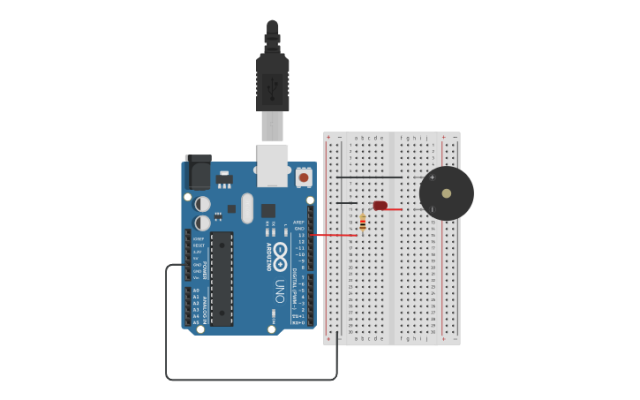
A short personal test sketch that combines an LED pattern with a commented setup checklist.
Materials Provided
Arduino-compatible board, USB cable, Arduino IDE, classroom setup worksheet, common error message guide, optional ESP32 board package notes.
How Schools Can Integrate It
Run this before multi-session hardware modules so students can self-correct common setup mistakes. It is especially useful in classrooms where laptops, USB cables, or boards vary between learners.