
Overview
Buttons and switches are often the first way learners make a microcontroller respond to the real world. This workshop teaches the hardware and code patterns needed to read those inputs reliably.
Students see why floating inputs behave unpredictably, learn the value of internal pull-ups, and implement debouncing with readable timing logic. The result is a strong foundation for control panels, games, robots, and interactive installations.
Learning Outcomes
- Wire momentary buttons and toggle switches safely
- Explain floating inputs and use INPUT_PULLUP
- Read input state changes in code
- Implement a simple debounce routine using timing
What You Build
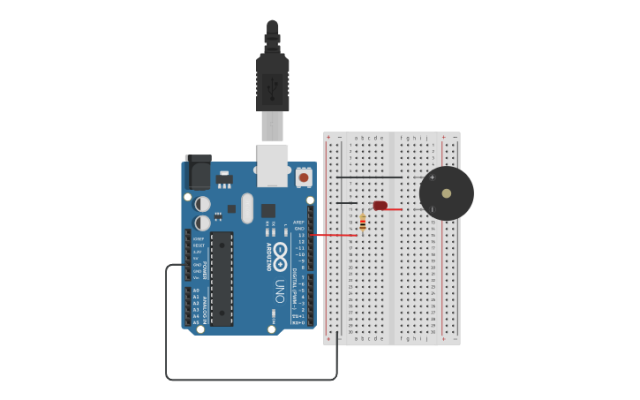
A debounced button controller that toggles LEDs and prints state changes to the serial monitor.
Materials Provided
Arduino-compatible board, breadboard, push buttons, toggle switch, resistors, LEDs, jumper wires, debounce worksheet, starter sketch.
How Schools Can Integrate It
This is a natural second or third Arduino workshop for secondary students. It supports assessment through a visible behavior: one deliberate button press should produce one clear system response.